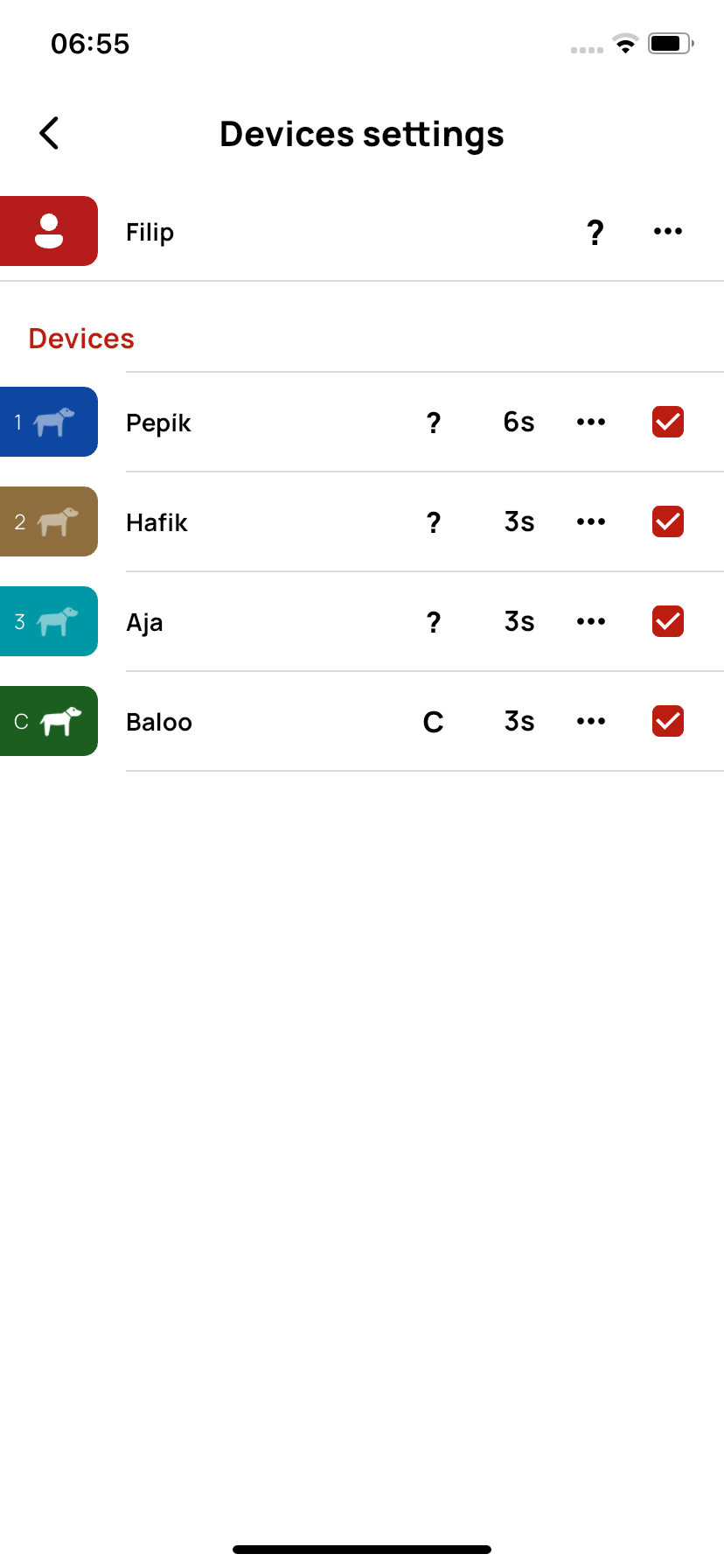
Device Settings
On this page, you can easily set the properties of all devices – for example, name, color, update interval, and more.
👤 User
In the ··· menu for the user, you will find these options:
- Edit – change the user's name and icon color.
- Switch transmission channel – change the transmission channel (advanced setting).
- GPS receiver location sharing – enable or disable sharing the GPS receiver's location.
📱 Other devices
In the ··· menu for each device, you will find:
- Edit – change the device's name and icon color.
- Notifications – set when you want to be notified (e.g., when leaving a zone).
Change update interval – determine how often the collar should send data to the controller (in seconds):
- Shorter interval = more accurate information, but faster battery drain.
- Longer interval = longer battery life, but less frequent updates.
- Transmitter volume – set the volume of the sound signal (if available).
Using the checkbox, you determine whether the device is active and displayed on the map.